
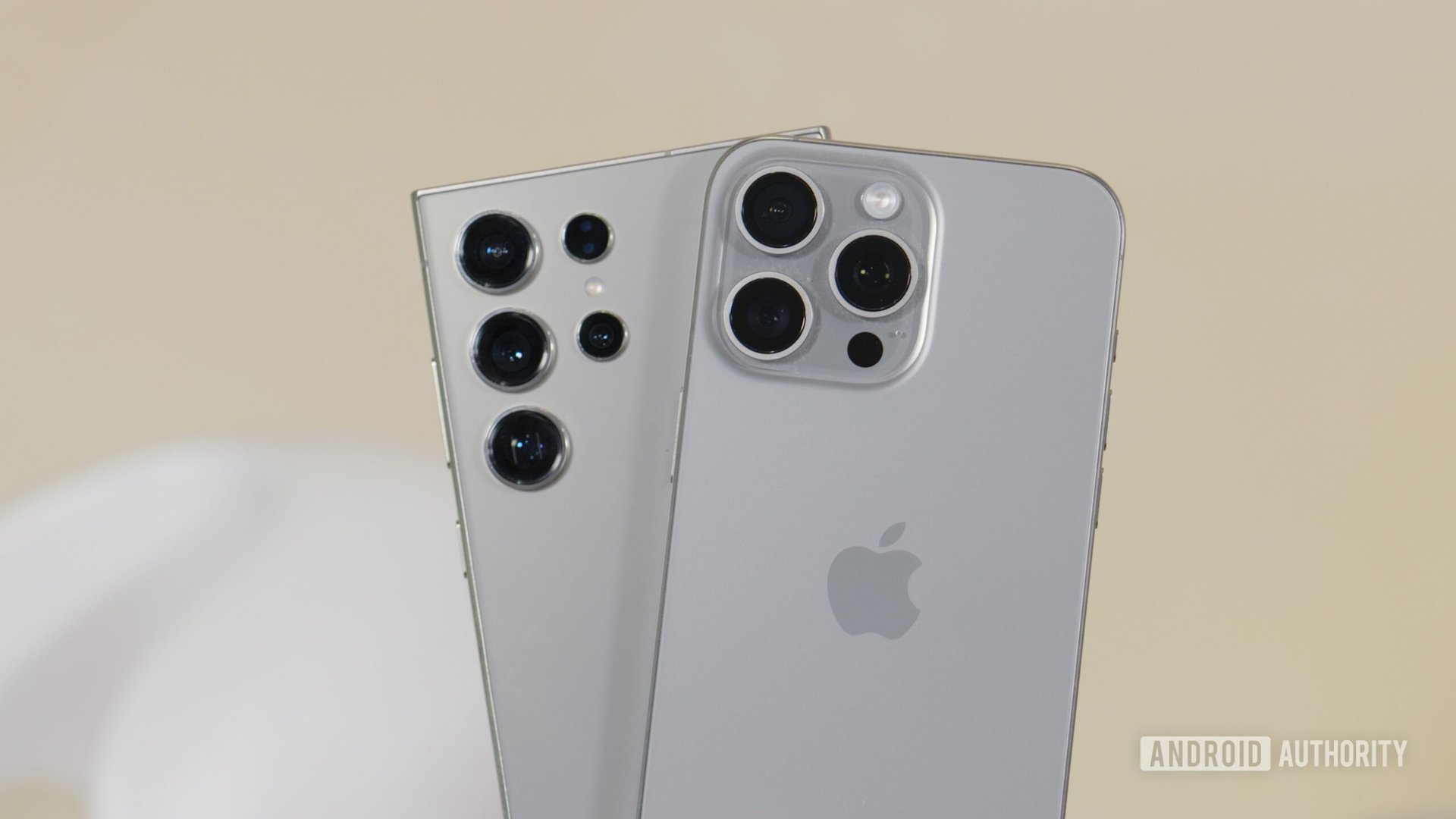

In the early days of smartphones, iPhones and Android phones were like spiders and crabs: technically similar but wildly different. Nowadays, things have changed. Apple and Google have cribbed from each other so much over the years that iOS and Android are essentially two sides of the same coin. The launch of iOS 18 doesn’t change this development. In fact, it moves the two operating systems closer together than we’ve ever seen before.
During the Worldwide Developers Conference (WWDC) keynote this week, it seemed like every single time Apple announced something new for iPhones, our internal Slack channels lit up with comments like, “Android has had this for years,” or “My Galaxy S2 from 2011 could do this!” Now that the dust has settled from the launch, we actually took the time to go over every single thing Apple announced for iOS 18 and compared them to Android. We found that the overwhelming majority of “new” iOS 18 features either exist in full or in part on Android already.
iOS 18 system features we have on Android
Any operating system must allow users to control system-level tools and features. Customizing the system to their liking allows users to truly make their devices their own. Traditionally, Apple hasn’t given much priority to these seemingly necessary things, but iOS 18 made some big strides in the right direction.
Home screen icon arrangement
This is one of those announcements that makes you wonder how iPhone users have gone this long without it. The ability to place your iOS home screen icons wherever you want should have been in the original iPhone OS 1 (before 2010, the iPhone’s operating system was known as iPhone OS, not iOS). For whatever reason, though, it’s taken 17 years (!!) for Apple to bring this to iPhones. This delay is especially perplexing when you think about how iPhones don’t have something equivalent to Android’s app drawer, so the home screen is the main way people open apps. The ability to keep those organized to your liking should be a basic function, so it’s pretty ridiculous it’s only landing in 2024.
Icon customization
Similarly to organizing your home screen, customizing icons should have been a given on Day One. However, like with icon arrangement, icon customization is only landing now, 17 years into the iPhone’s existence. In iOS 18, you’ll be able to change the colors of your icons as well as remove the labels to give your home screen a more unified look.
Apple’s new icon coloring system resembles Android’s Material You. Google introduced Material You in 2021 as a system-level automatic theming tool that changes the colors of icons, buttons, and other system elements based on the colors of your current wallpaper. Apple does take things a step further than Material You by allowing you to change icon colors to whatever you want, while Android only offers a handful of muted colors at any given time. However, Apple’s customization doesn’t change colors throughout the whole system, just the icons, so it still has room for advancement.
Either way, Android still has — and likely will always have — iOS beat because it allows for custom launchers and installing icon packs. Installing these allows you to change pretty much everything about the look, feel, and functionality of Android.
Control Center customization
Since 2013, iOS has had a Control Center. Similar to the Quick Settings tiles in the notification dropdown on Android, Control Center gives you easy access to common system functions, such as brightness, mobile data, Wi-Fi, etc., by simply pulling down from the top of the display. Throughout the years, Apple has enhanced this with widgets and some simple customizations, but in iOS 18, it’s finally giving iPhone users near-total control over what appears here. Meanwhile, Android has offered granular control over the notification dropdown and Quick Settings tiles for years. Additionally, some popular Android skins give you even more with a separate iOS-style system if you want it, such as the aptly named Control Center in Xiaomi’s MIUI and newer Hyper OS.
Game Mode
Gaming has always been a huge deal on Android phones, especially since the platform has allowed console emulation since it launched in 2008, something Apple has (reluctantly) started allowing just this year. That doesn’t mean people don’t game on iPhones, though, which is why it’s perplexing that it’s taken so long for Apple to launch a game-enhancing setting in iOS. Well, Game Mode is finally coming with iOS 18. This mode allows you to turn off notifications and push the system to focus on delivering the best game performance possible. As it turns out, though, Android has had a native feature called Game Dashboard…