
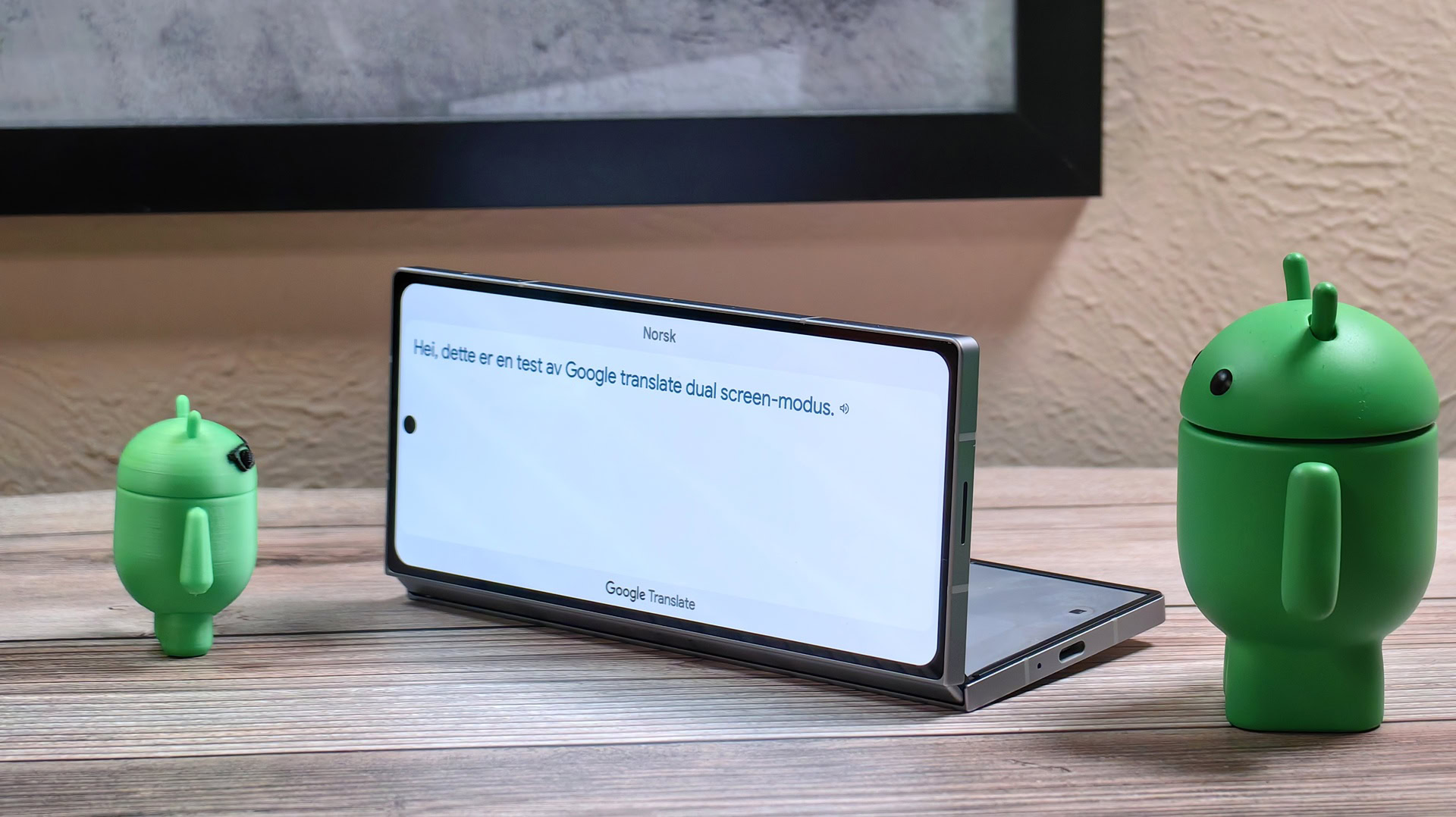

Google Translate’s dual-screen conversation mode utilizes the outer display on foldable phones from Google and Samsung without any official announcement or documentation. This feature allows for easier face-to-face conversations with someone who speaks a different language, showing translations on both screens. While initially exclusive to the Pixel Fold, Samsung has also incorporated a similar feature on the Galaxy Z Fold 6.
To access Google Translate’s dual-screen conversation mode, unfold your phone, open the app, tap the Conversation button, switch to face-to-face mode, tap the folding phone icon, and verify that both screens are being used. This feature works on select Google and Samsung foldables running Android 14, but may not be available on other foldable phones due to lack of support for Android’s dual-display mode API. If you have a foldable from Google or Samsung, give this feature a try and enhance your multilingual conversations.