
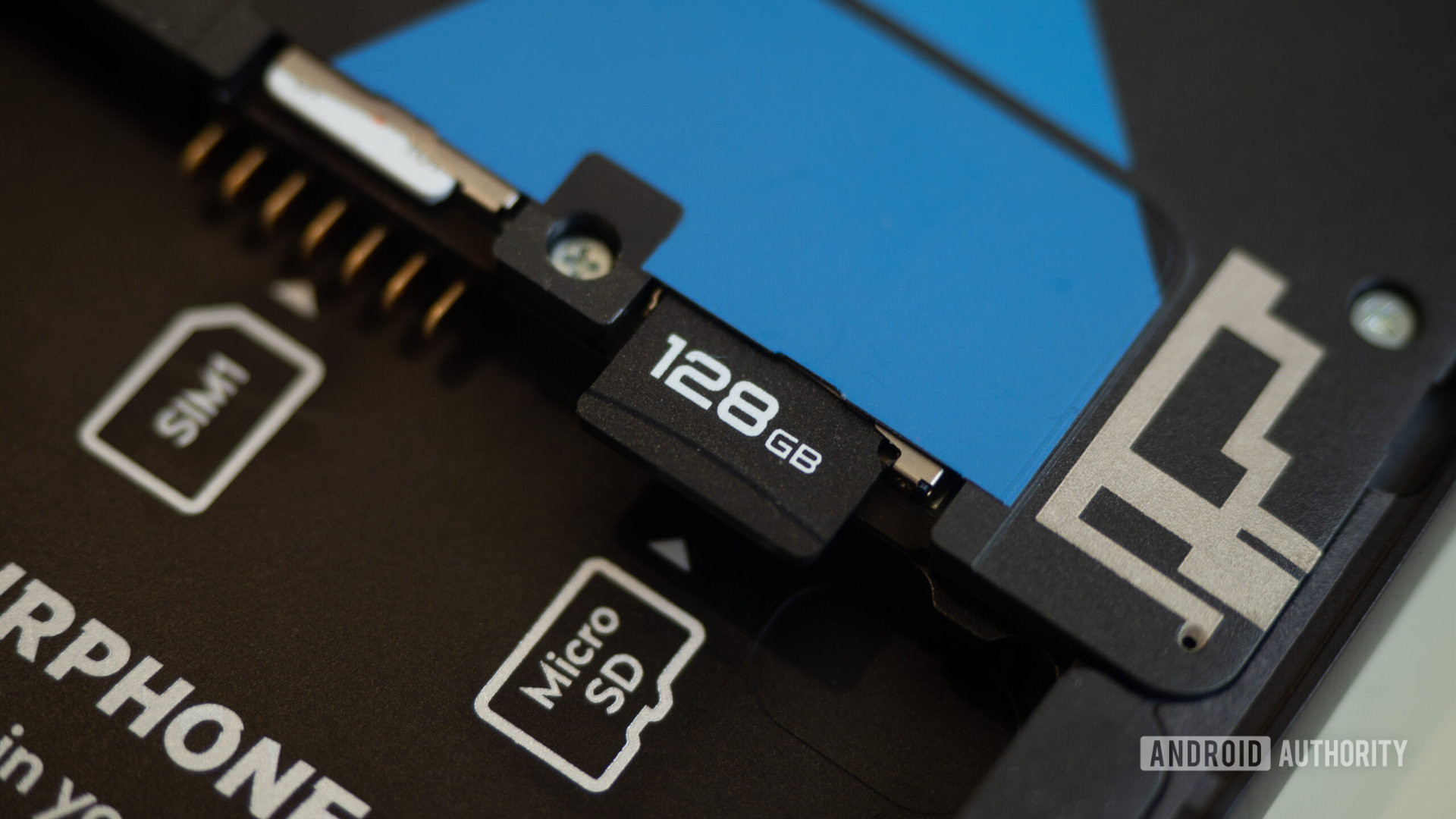

In 2024, it’s becoming increasingly difficult to find a high-end Android phone with expandable storage, as many companies opt to forgo microSD slots to increase profits. However, some midrange and budget phones still offer this feature, and even some expensive models like Sony’s Xperia series include expandable storage. But what is it like using a microSD card on Android in 2024? Is the experience still as open and flexible as it was in the past?
When inserting a microSD card into an Android phone, a notification will prompt you to explore or eject the card, similar to plugging in a USB stick on a computer. The Google Files app on stock Android will launch and allow you to view and access the content on the card, such as photos, videos, and music files.
Choosing the best microSD card for your specific Android phone depends on factors like class, speed, and capacity. It’s essential to check your phone’s documentation and specs before selecting a card.
Android 6.0 Marshmallow introduced adoptable storage, which allows you to use the microSD card as either portable or internal storage. Portable storage treats the SD card as removable storage, while internal storage encrypts the card and treats it as secondary internal storage for your phone. This means that you can’t browse the card independently or move files to and from it.
You can store some apps and games on the microSD card on your Android phone, but you’ll need to install them on the internal storage first and then move them to the card. While most games can be saved and played on SD cards, resource-intensive games should be kept on internal storage for better performance.
If an app or game doesn’t support moving to the microSD card, you can force the option to show up by enabling Developer Options on your phone and toggling on the Force allow apps on external option.
Overall, using a microSD card on Android in 2024 still offers some benefits but requires careful consideration of how you want to utilize the extra storage capacity.