
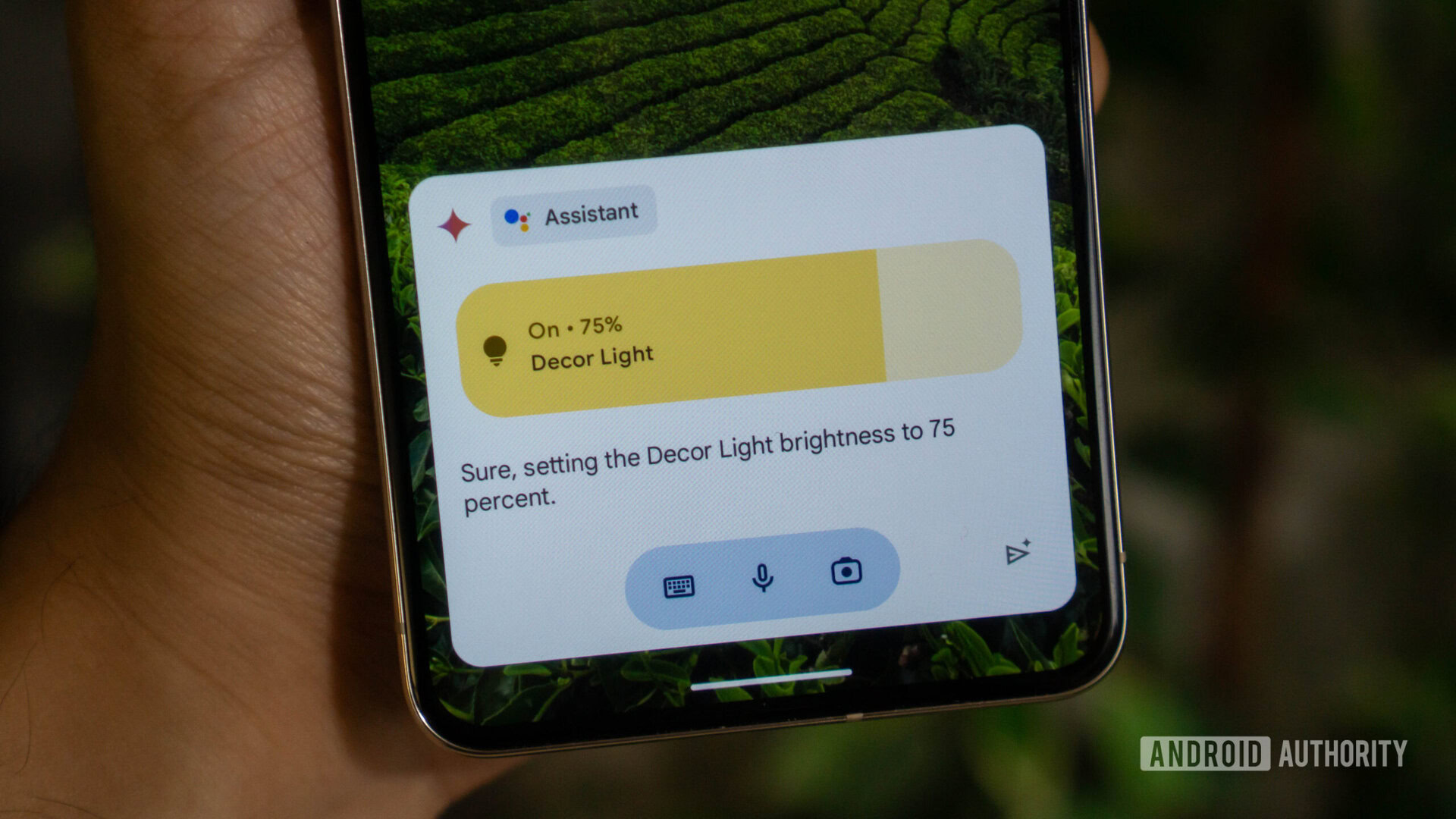

For nearly the past decade, the Google Assistant has been a common feature in our daily lives. However, while it has been good for basic tasks like smart home control and entertainment, it has struggled with answering questions or solving complex problems. Fortunately, Google has introduced a new digital assistant called Gemini, which is built on advanced AI technology like ChatGPT. So, how does Gemini compare to the Google Assistant and should you switch?
Gemini, Google’s latest chatbot and digital assistant, can answer questions on various topics and perform tasks like setting reminders and calling contacts. Unlike the Google Assistant, Gemini can better understand natural human languages, eliminating the need to phrase requests perfectly. It is built on large language models and generative AI technology, similar to ChatGPT and Microsoft Copilot. The Gemini language model comes in three sizes: Nano, Pro, and Ultra. While Gemini offers a more human-like digital assistant experience, it still lacks some features present in the Google Assistant.
Gemini excels at language-related tasks and can process image inputs, allowing you to submit screenshots or images for analysis. However, it currently lacks some features of the Google Assistant, such as music playback and routines. You can switch to Gemini by downloading the app from the Play Store or using the Google Search app on iPhone. To revert to the Google Assistant, open the Gemini app, navigate to Settings, and select the Assistant of your choice.
Gemini offers a more advanced AI experience than the Google Assistant, but it may not be suitable for users who heavily rely on Assistant features like routines and music playback. It is available for free on Android and iPhone, with options to upgrade to a premium subscription for enhanced features. To replace Google Assistant with Gemini, download the Gemini APK from a third-party website and follow the installation instructions. Remember that once you set up Gemini, it will replace the Google Assistant entirely, and you’ll need to manually switch back if desired.