

I have not been a big fan of voice assistants for a long time. Despite having Google Assistant on my phone for years, I have only used it for simple tasks like turning on smart lights or setting timers in the kitchen. Speaking out loud to a robot assistant has never been my favorite, when I can easily achieve the same results with a few quick taps. Therefore, when my colleague Rita suggested that I switch from Google Assistant to Gemini to see how it goes, I procrastinated as much as possible. After all, if I didn’t enjoy talking to a robot before, why would I suddenly want to start now?
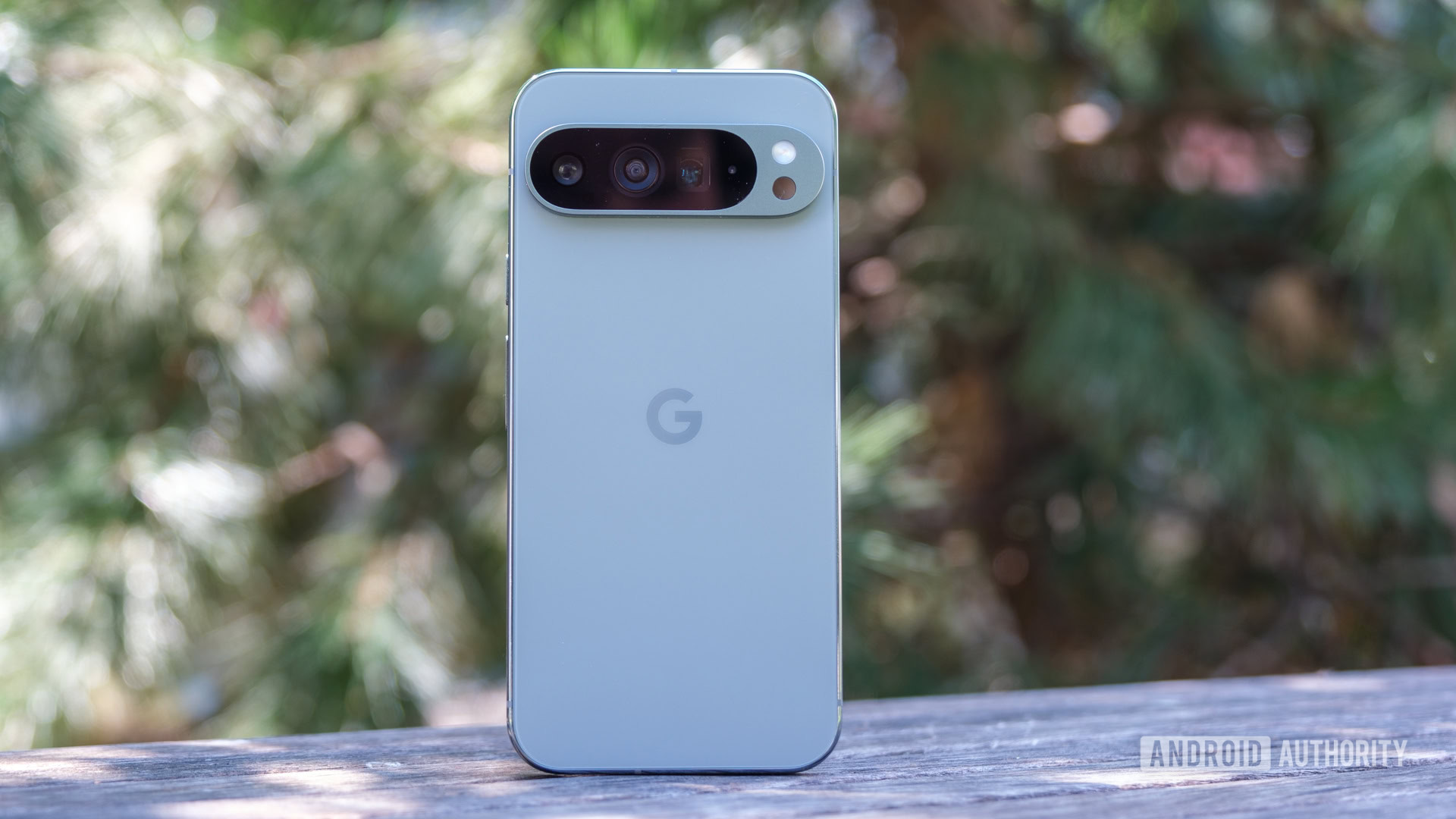
However, I soon discovered that I just needed the right type of robot. I found what I was looking for in Gemini, particularly in the context of the Pixel 9 series where I felt confident that Google had made the right choice. Here’s what I learned from the experience of switching assistants.
The first thing you should probably do when switching chatbots is to engage in conversation with your new assistant, to become familiar with some new AI terminology. With the introduction of Gemini Live alongside the Pixel 9 series, there couldn’t have been a better time to do so. When I had the opportunity to talk to Gemini Live during the Pixel 9 launch event, I was surprised by how human-like the voice assistant sounded. I struggled to come up with questions to ask Gemini that felt appropriate for a more conversational tone. Eventually, I asked Gemini to suggest activities for my day in San Francisco, which inspired me to test more ideas once I returned home.
I found that having a conversation with Gemini Live was much more enjoyable than posing a hundred questions to Google Assistant. I was able to discuss specific places and activities I wanted to visit in Amsterdam, a city I had never been to, and receive guidance on how to plan my days without overwhelming myself ahead of a marathon. Unlike with Google Assistant, the conversational flow with Gemini Live felt more natural, and I appreciated being able to reference our conversation transcript later on.
One aspect that made my experience with Gemini more pleasant than with Google Assistant was its ability to provide more up-to-date information by pulling data from the internet and personal sources. Google’s extensions for Gemini allowed it to access information from other apps like Gmail, Google Maps, and Google Docs, which was particularly helpful while planning a multi-day trip to Amsterdam. I leveraged Gemini Live to receive suggestions for daily activities and then used the main Gemini Advanced interface to map out my itinerary on Google Maps, with the assistance of Gemini seamlessly integrating my personal data to streamline the process.
Furthermore, I preferred using Gemini for fact-based queries as it provided more detailed and comprehensive responses compared to Google Assistant. Whether asking about sports scores or tourist attractions, Gemini was able to offer thorough answers and suggestions, making it a valuable tool for planning activities and gathering information about specific destinations.
In addition to its practical utility, I found Gemini to be a valuable creative aid as well. While I don’t often rely on it for coding or writing assistance, I have found it to be a useful tool for generating images, especially for my role as a run club leader. The Pixel 9 series’ Pixel Studio feature, which runs on the same platform as Gemini, has been particularly helpful in creating graphics for events and promotions.
While Gemini has its strengths, I also acknowledge that there are areas where it could improve or where other tools may be more beneficial. For instance, as someone who makes a living as a writer, I prefer to rely on my own skills rather than always using Gemini’s writing assistance features. Additionally, while Pixel Studio complements Gemini’s image generation capabilities, it may not completely replace the need for other creative tools like Canva for customization.
Overall, my experience with switching from Google Assistant to Gemini has been positive, highlighting the benefits of a more conversational and integrated voice assistant that can provide personalized and up-to-date information across various tasks and functions.