
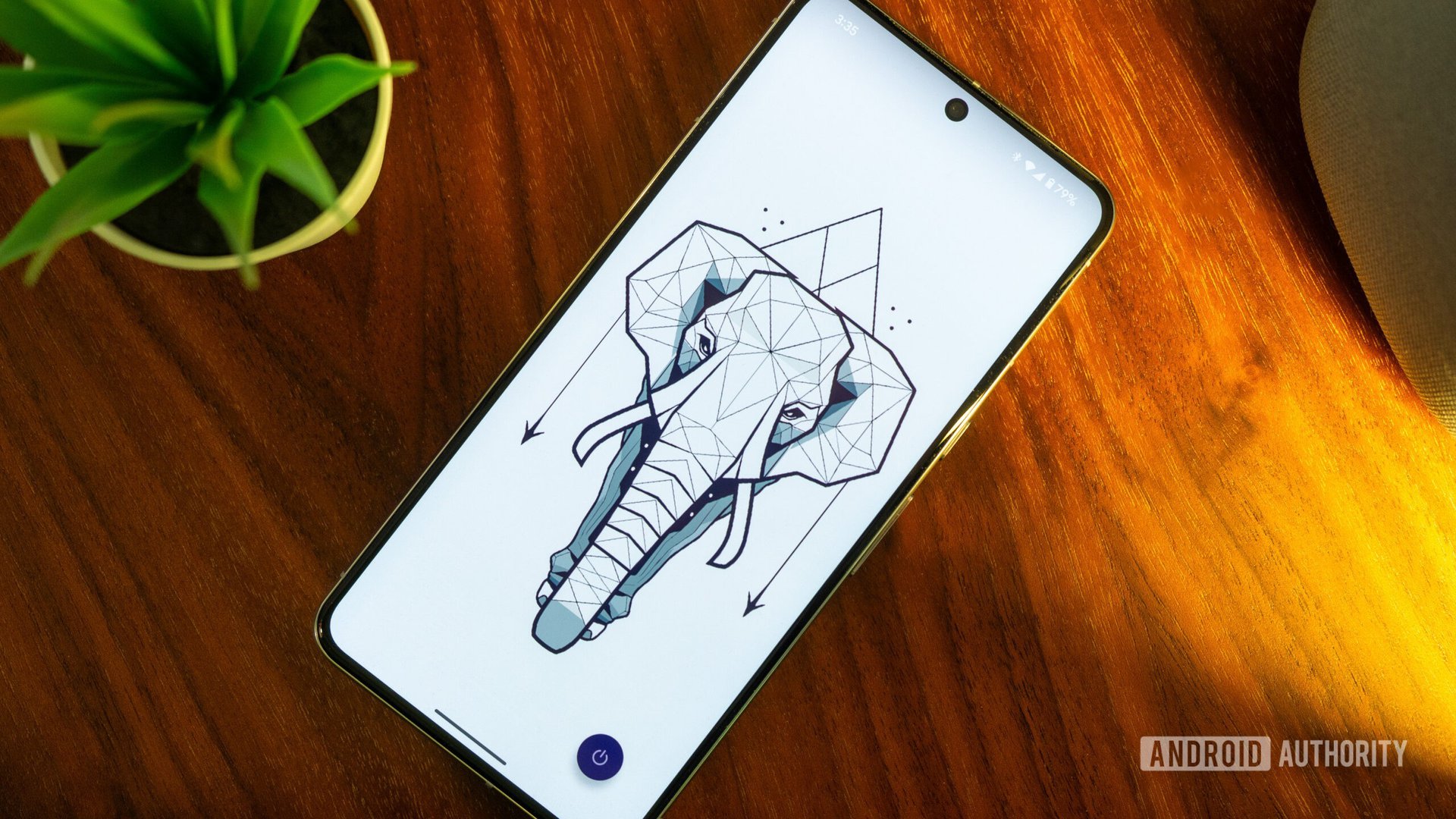

a fan of widgets anymore, but I’m definitely not giving up At A Glance. I also added a search bar to the homescreen, along with a Lens shortcut. These two are indispensable for me. The rest of the icons have been carefully selected based on how often I use them. They are all neatly organized in Niagara’s list-style app drawer, making it easy to find them.
As a result, my new homescreen is less cluttered and more intuitive. I’ve removed the folders and the secondary homescreen, streamlining everything to make accessing my most-used apps and tools easier. I’ve kept the wallpaper because I like changing it often, and I’ve also kept shortcuts to my most-used apps for extra convenience.
This experiment made me realize that there is no one-size-fits-all approach to homescreen setups. It’s important to tailor it to your individual needs and habits, finding a balance between accessibility and minimizing distractions. I’m happy with my new homescreen setup, and it’s a reminder that change can sometimes bring a fresh and improved perspective to familiar routines.