
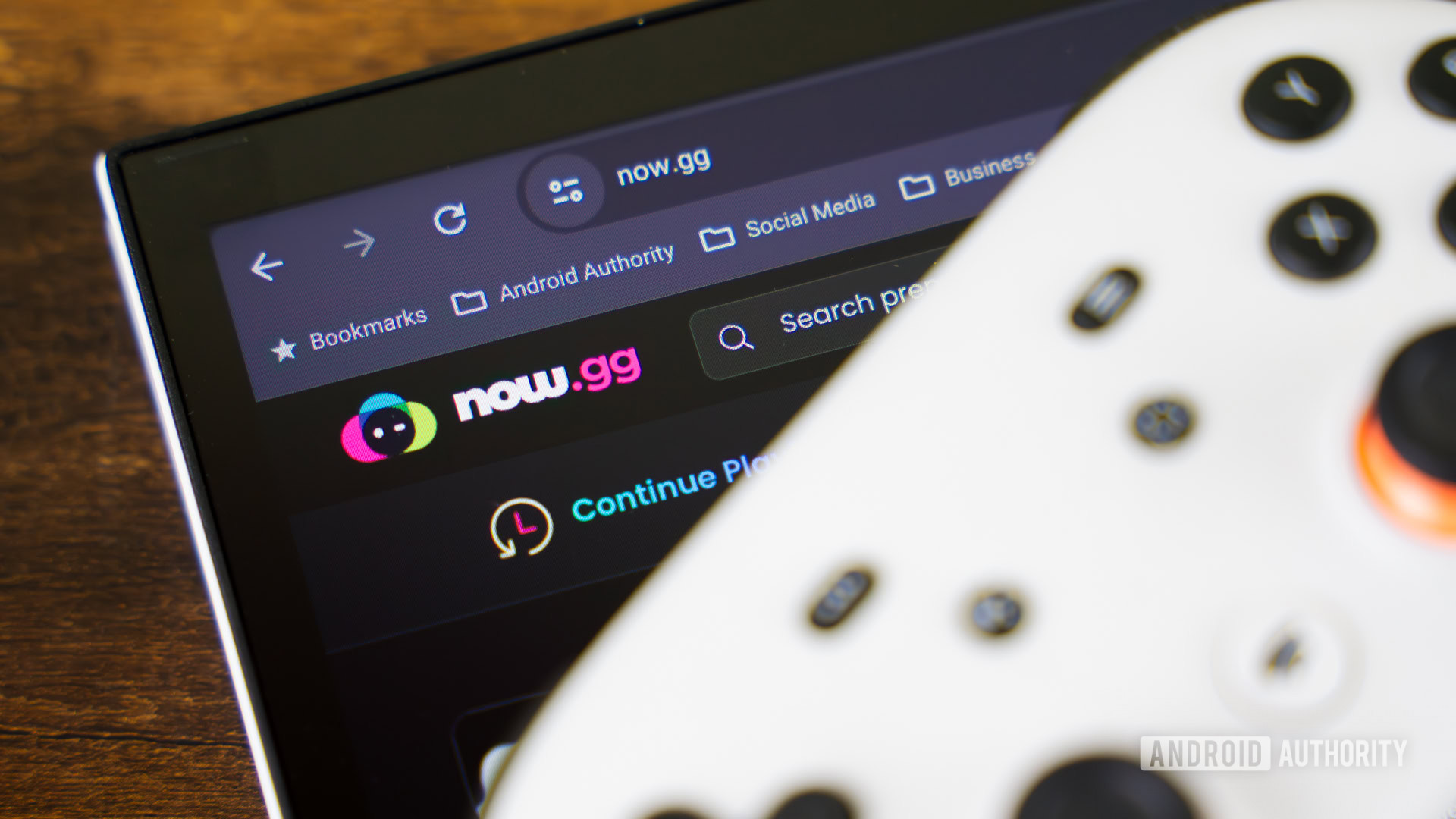

If you want to play mobile games in the cloud, now.gg offers a variety of options. Many popular games, including Roblox, are available on now.gg. To play Roblox on now.gg, simply launch your browser and visit the now.gg website. Search for “Roblox” and click on the game to launch it. You may need to set up and log in to a Roblox account. If you want to skip the log in process in the future, create a now.gg account.
now.gg is a cloud-gaming platform that allows you to play mobile games on any device with a browser. It requires a stable internet connection and recommends a 5Mbps bandwidth and less than a 40ms ping. The platform supports keyboards, mice, gamepads, and touch controls. Although now.gg is free, it is ad-supported.
Creating a now.gg account is recommended if you plan to play games frequently. It allows you to save your progress, access social features, collect trophies, and more. To create a now.gg account, visit the now.gg website, click on the profile icon, select “Sign In,” enter your email and password, and create an account.
To play Roblox on now.gg, follow these steps: open your browser, go to the now.gg website, search for “Roblox,” click on the game, and follow the on-screen instructions. now.gg is free to use, but the website is ad-supported. You can block ads on now.gg, but it may be complex. now.gg can be accessed on any device with a browser, including computers, smartphones, tablets, and some gaming consoles. Minecraft is not available on now.gg, but you can try sideloading Android apps. now.gg does not have a dedicated app for Android or iOS, it is only accessible through a browser on the now.gg website.