
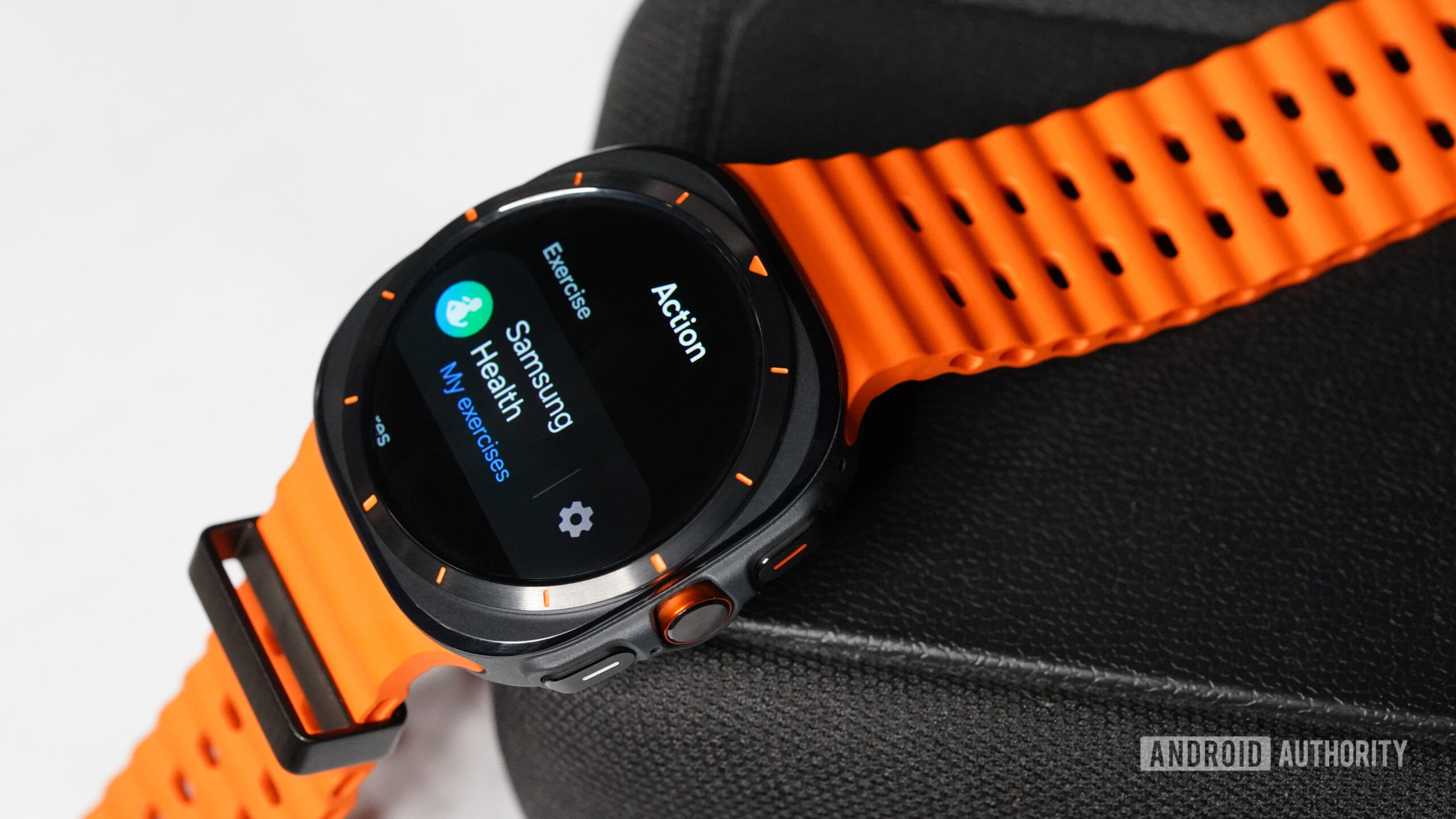

Samsung is promoting the new Galaxy Watch Ultra as a top-of-the-line device designed for adventurers, boasting durability, unique band styles, and enhanced device interaction with the addition of an Action button. However, after spending a week with the device, I’m not convinced that this new button lives up to its high expectations.
Samsung’s traditional two-button configuration has included a Home or Power button and a Back button with short- and long-press capabilities. The Back button has been sufficient, complemented by the digital or physical rotating bezel for navigation. The introduction of a third button on the Galaxy Watch Ultra was initially exciting, although it turned out to be a static button without the expected rotating digital crown functionality.
The new Action button on the Galaxy Watch Ultra only offers limited functionality, with options limited to starting a workout, stopwatch, flashlight, or water lock. The lack of customization and versatility in setting the button’s function was disappointing, especially considering its potential to enhance user experience. The button’s bright orange color added to the frustration, as it constantly triggered unintentional actions.
Overall, the Galaxy Watch Ultra’s Action button falls short of delivering the expected convenience and customization, leaving much to be desired in terms of functionality. Compared to Apple’s highly customizable Action button on their smartwatch lineup, Samsung’s implementation lacks the depth and variety of tasks that users can assign to the button. The device’s design and features also raise questions about its intended audience and purpose, failing to establish itself as a premium wearable for outdoor enthusiasts.