
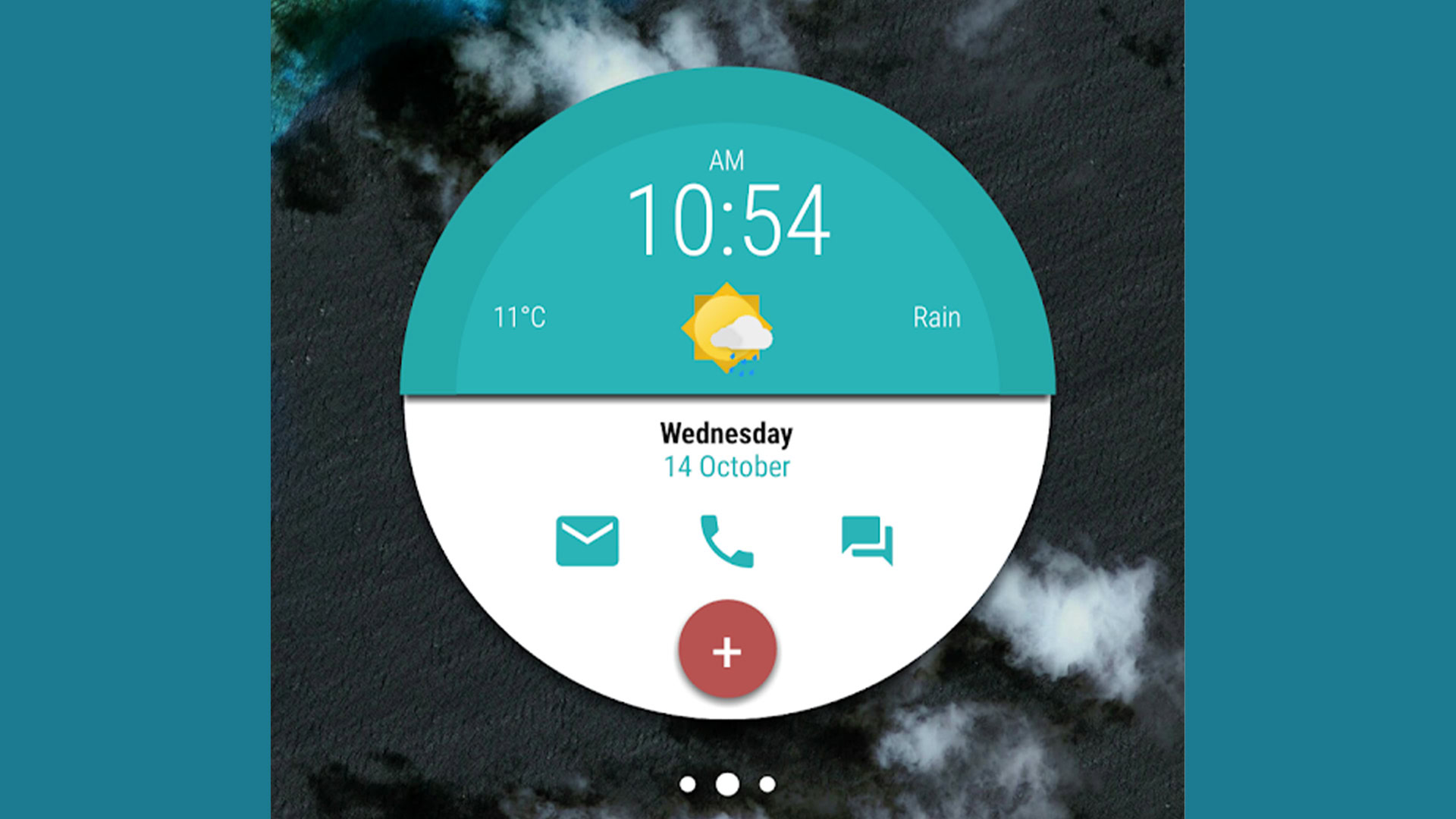

Clock widgets on Android serve as more than just a way to tell time. They also allow users to express their personality and add a touch of flair to their device. Alongside weather widgets and battery indicators, these nifty tools help users keep track of time while adding their own unique style to their homescreen. With plenty of options to choose from, we’ve compiled a list of the best clock widgets and weather clock widgets for your home screen!
1Weather is a solid weather app that offers desirable features such as temperature, real feel, radar, and more. It also features a weather clock widget that is clean and fits well on the home screen, with customizable options for text color and background opacity. AccuWeather also offers a few decent widgets for those looking for an all-in-one solution.
Chronus offers a variety of widgets for weather, clock, calendar, Gmail, and more. It also includes DashClock support and customizable options, making it a versatile choice for home screen customization.
Circle Clock is a simple yet effective clock widget app that is customizable and features animation settings. Similarly, Digital Clock and Weather Widget offers a lot of customizability with widget sizes, font size, color, and more, making it a decent option for those in need of a simple weather clock widget.
KWGT and KLWP are two hardcore customization apps that allow users to create custom widgets and live wallpapers with clocks on them. While both have free versions, premium versions offer additional features for those looking for more customization options.
Maize Digital Clock Widget is a simple and free clock widget with support for widget resizing, color customization, and the ability to display the next alarm on the widget. It is a straightforward option for those looking for a no-fuss digital clock on their home screen.
Sectograph is a unique clock widget that attaches a planner to a clock, providing a different approach to home screen customization. While it may have a learning curve, it offers an interesting and colorful alternative to traditional clock widgets.
Transparent Clock and Weather offers weather and clock widgets with the ability to make them transparent for maximum effect on the home screen. While the app worked well in testing, its subscription pricing may not appeal to all users.
Weather & Clock Widget is a popular and powerful clock and weather widget with a variety of customization options and a standalone weather app. While some users experience issues with the weather app portion, it offers seriously good widgets overall.
OEM clock widgets come pre-installed on devices and are a minimal, clean, and simple option for those looking for basic clock and weather widgets. While they may not be highly customizable, they are a convenient option for users who prefer not to download additional apps.
The decision to upgrade to premium versions of the mentioned apps depends on individual preferences and needs. Premium versions often unlock additional features and customization options. Users seeking advanced functionalities may find the investment worthwhile, while others may be satisfied with the free versions.
Generally, clock widgets are designed to have minimal impact on battery life. However, certain features, such as animated elements, may contribute to battery usage. Users can often disable specific animations or features to optimize battery performance.
To add and customize clock widgets on Android home screens, users can long-press on the empty space on their home screen, select Widgets, and choose the desired clock widget. Once added, customization options can often be accessed by tapping the widget. The process may vary slightly depending on the device and launcher used.